WhatsApp is updating its minimum iPhone software requirement in 2026. Below are the older iPhone models impacted and the actions users need to take.

 1/7
1/7WhatsApp iOS 15.5 update: What changes? | Users of WhatsApp with specific older iPhones must update their devices before November 30, 2026, to keep using the app. Meta is increasing the minimum iOS requirement from iOS 15.1 to iOS 15.5 or later. This change impacts users with older iPhones who have not yet installed the latest compatible software update.
 2/7
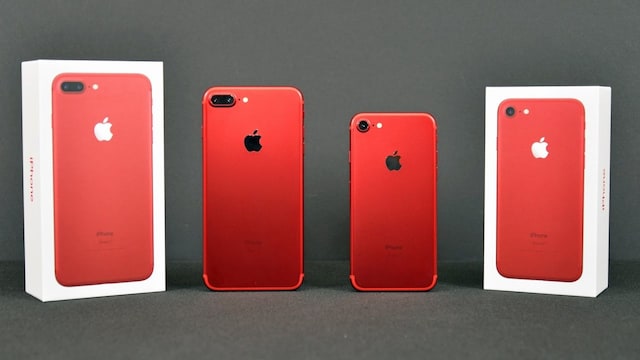
2/7Which iPhones are impacted by the WhatsApp update? | This change affects older models that can still support iOS 15 but will require an updated software version to keep WhatsApp functioning. The affected models include the iPhone 6s, iPhone 6s Plus, iPhone SE (1st generation), iPhone 7, and iPhone 7 Plus.
 3/7
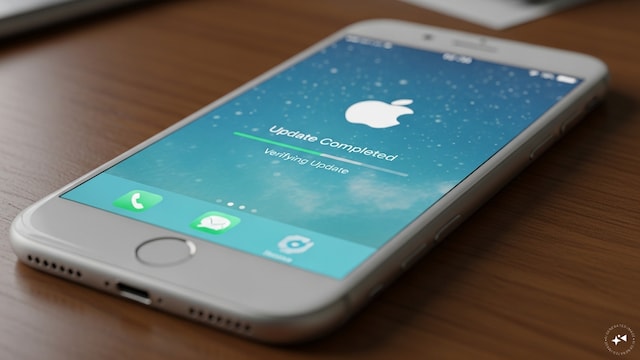
3/7Do you need a new iPhone for WhatsApp? | WhatsApp will continue supporting these iPhone models. Users can use the app as long as their device is updated to a compatible iOS version. The last software update available for these phones is iOS 15.8.8.
 4/7
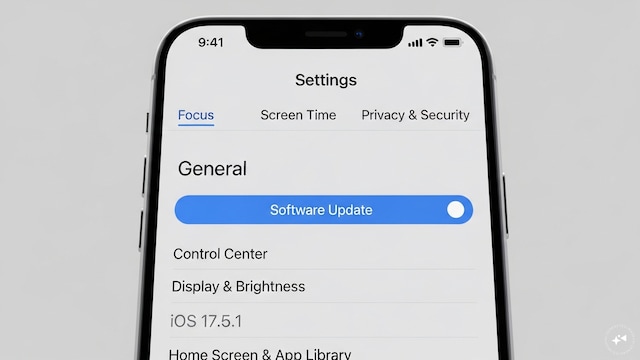
4/7How to perform an iPhone update | To check for updates, navigate to Settings, select General, and then choose Software Update. Installing the latest available update before November 30 can prevent interruptions on WhatsApp.
 5/7
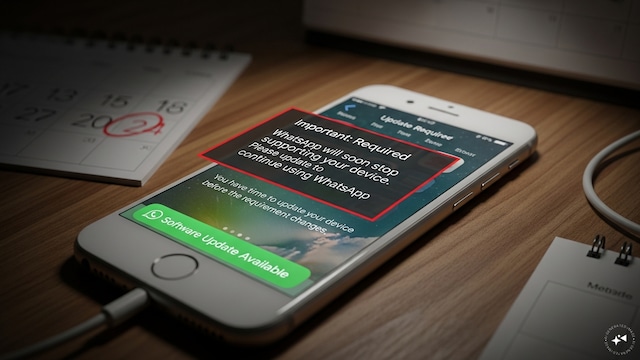
5/7What if you don’t update your iPhone? | Users with unsupported software versions may receive notices within WhatsApp prior to the requirement change. These alerts will provide time for users to upgrade their devices.
 6/7
6/7Why is WhatsApp updating its iOS criteria? | Meta routinely evaluates supported operating systems based on security updates, active users, and technical needs. Older software versions may ultimately cease to support newer WhatsApp features and security enhancements. (Image: Canva)
 7/7
7/7Past WhatsApp support changes | WhatsApp has discontinued support for various older iPhones, including the iPhone 5s, iPhone 6, and iPhone 6 Plus, due to their inability to meet newer software demands. This update mainly concerns software versions rather than the devices themselves. (Image: Canva)